
Health Tech
Your Apple Watch Is Smarter Than You Think. You’re Just Not Using It Right.
Most people wear it to check notifications and count steps. Here’s how to set it up the way it was actually designed to work — and what changes when you do.
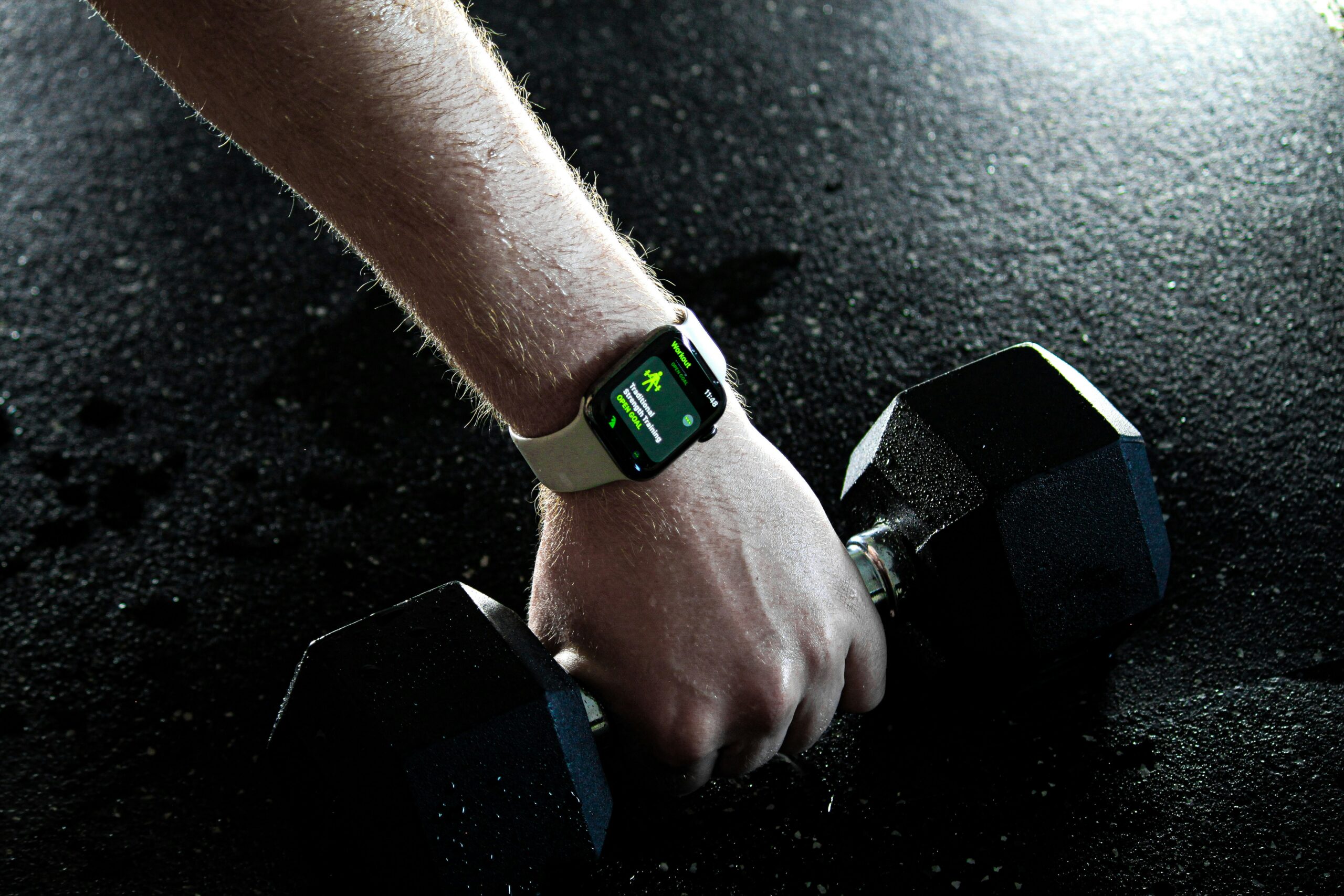
Photo by James Yarema on Unsplash
•
10 min read
Let me guess. You tap Start Workout, pick “Outdoor Walk,” and call it a day. Maybe you glance at your rings. Maybe you don’t. The watch logs it, you feel vaguely good about it, and then the next day you do the same thing.
That’s not a workout routine. That’s habit theater. And your Apple Watch is capable of so much more — custom intervals, heart rate zones, workout-specific metrics, structured weekly plans. You just have to spend 15 minutes setting it up properly.
“The watch is only as smart as how you’ve configured it. Most people never configure it at all.”
What Actually Changes When You Set It Up Right
Before Setup
- Generic calorie estimates that may be off by 30–40%
- No sense of whether you’re actually training hard enough
- No structure — just vague activity
- Easy to skip workouts — nothing is guiding you
After Setup
- Accurate data matched to what you’re actually doing
- Real-time heart rate zones so you know your effort level
- Custom intervals with automatic rest timers
- Structured weekly plan you can actually stick to
First things first
Update Your Watch
This sounds obvious but people skip it constantly. Apple adds new workout types, better heart rate accuracy, and updated calorie algorithms through watchOS updates. If you’re not updated, you’re working with older, less accurate tools.
Watch app on iPhone → General → Software Update. Keep your watch on the charger when updating.
This one matters more than people think
Pick the Right Workout Type — Every Time
When your watch knows what you’re doing, it adjusts how it measures everything — heart rate zones, calorie burn, pacing. Selecting “Outdoor Walk” when you’re doing strength training can throw your calorie count off by 30% or more. That gap compounds over weeks.
Strength Training
Weights, resistance, bodyweight — anything lifting-based
HIIT
High-intensity intervals, circuits, tabata
Outdoor Run / Walk
Uses GPS — distance and pace are accurate here
Functional Strength
Kettlebells, functional movements, mixed training
Where most people stop — and shouldn’t
Create a Custom Workout With Intervals
This is the feature that changes everything. Instead of just hitting Start and going, you create a workout with defined work periods, rest periods, and repetitions. The watch manages the clock. You focus on the work.
How to build it:
- Workout app on watch → select workout type → tap the three dots (…)
- Tap Create Workout
- Add work intervals (e.g. 40 seconds) and rest intervals (e.g. 20 seconds)
- Set number of rounds → Save
Once saved, it’s there every session. No setup required. The watch just runs it.
See only what matters
Customize Your Workout Display
During a workout, your watch can show you anything. Most people see everything — which means they’re really seeing nothing. Customize your display so only the data that matters for that specific workout is front and center.
Watch app on iPhone → Workout → Workout View → select your workout type → Edit
For Strength Training:
Heart Rate + Active Calories + Total Time
For Running:
Pace + Distance + Heart Rate Zone
Train smarter, not just harder
Turn On Heart Rate Zones
This is the difference between people who plateau after 6 weeks and people who keep progressing. Without zone awareness, you’re probably training too hard on recovery days and not hard enough on effort days. Both lead to the same result — no progress.
ZONE 1
50–60%
Recovery
ZONE 2
60–70%
Fat burn
ZONE 3
70–80%
Aerobic
ZONE 4
80–90%
Performance
ZONE 5
90–100%
Max effort
Enable it: Watch app → Workout → Heart Rate Zones → turn on and adjust if needed.
The one people always skip
Set Goals You’ll Actually Close
The three rings only work if they’re set to the right level. Too easy and you don’t push yourself. Too aggressive and you feel like a failure after day three and stop checking entirely.
The target: goals you can close 5 out of 7 days. That consistency compounds faster than occasional big efforts.
Activity app on your watch → scroll down → Change Goals. Adjust Move (calories), Exercise (minutes), and Stand (hours) to something you can hit on a normal week — not your best week.
A Weekly Routine That Actually Works
3 strength sessions + 2 cardio + 2 rest. Sustainable for most people without burning out.
Strength
Cardio
HIIT
Rest
Mon
Strength
Training
Tue
Run or
Walk
Wed
Rest
Thu
HIIT
Fri
Rest
Sat
Strength
Training
Sun
Walk or
Rest
Questions People Actually Ask
15 Minutes of Setup. Months of Better Data.
You’ve already paid for the watch. You’re already wearing it. All six steps above take about 15 minutes total — and they change how useful the watch is every single day after that.
Start with just one: update the software and pick the correct workout type. That alone improves your data immediately. The rest is just building from there.
